
We come across challenges on transition of one tool to another, Our adaption and interest will helps to succeed in overcoming the challenges, Most important thing to remember is
“Change is Hard at First, Messy in the middle and Gorgeous at the end“
Robin Sharma
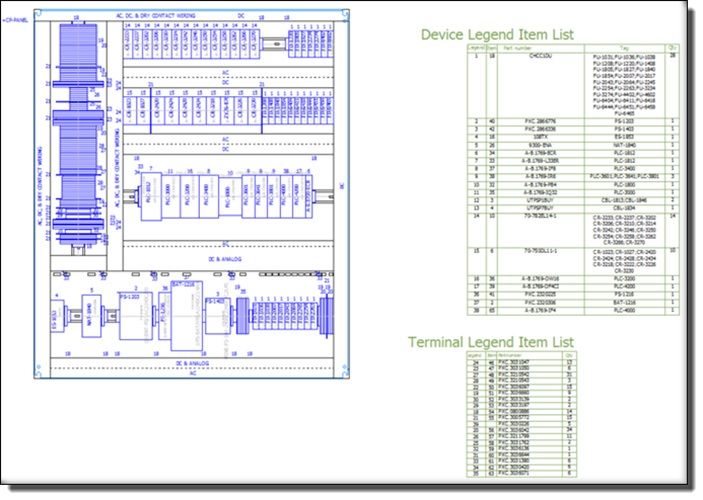
We will list the challenges / Road blocks to prepare panel layout (GA) in EPLAN Electric P8 is
- Importing / Exporting of the CAD File
- Linking the GA macro to the Parts database
- Place parts on the 2D panel via drag and drop
- Generate parts legend for the panel layout
- Visualizing the parts placed / not placed
- Different views of the same component
- Mechanical accessories Such as DIN Rail, wire duct …etc. and many more
Will address the above points one by one to get panel layout in EPLAN Electric P8
If you are looking for the best solution in preparation of General Arrangement drawing, then our EPLAN Propanel will be the Ideally product and also it has many benefits too.
 Vishnu's Colorful Blog